

Introduction
In the fast-paced world of trading, keeping a meticulous record of your trades is essential for refining strategies and improving performance. A trading journal not only helps track your trades but also provides insights into your decision-making process. Enter Notion, a versatile productivity tool that can be customized to serve as an effective trading journal. In this article, we’ll explore how to set up your Notion trading journal, complete with a downloadable template, and discuss how integrating tools like NoroAI.trade can elevate your trading game.
Why Choose Notion for Your Trading Journal?

Notion is more than just a note-taking app; it’s a powerful all-in-one workspace that combines notes, databases, tasks, and wikis. Here are some compelling reasons to use Notion as your trading journal:
- Customization: Tailor the interface to fit your specific needs, whether it’s tracking trades, analyzing performance, or recording market conditions.
- Integration: Easily integrate data from other tools and platforms, enhancing your journal’s functionality.
- Collaboration: If you trade as part of a team, Notion allows for easy sharing and collaboration.
- Accessibility: Access your journal from anywhere on multiple devices, ensuring you can log trades on the go.
Crafting Your Notion Trading Journal
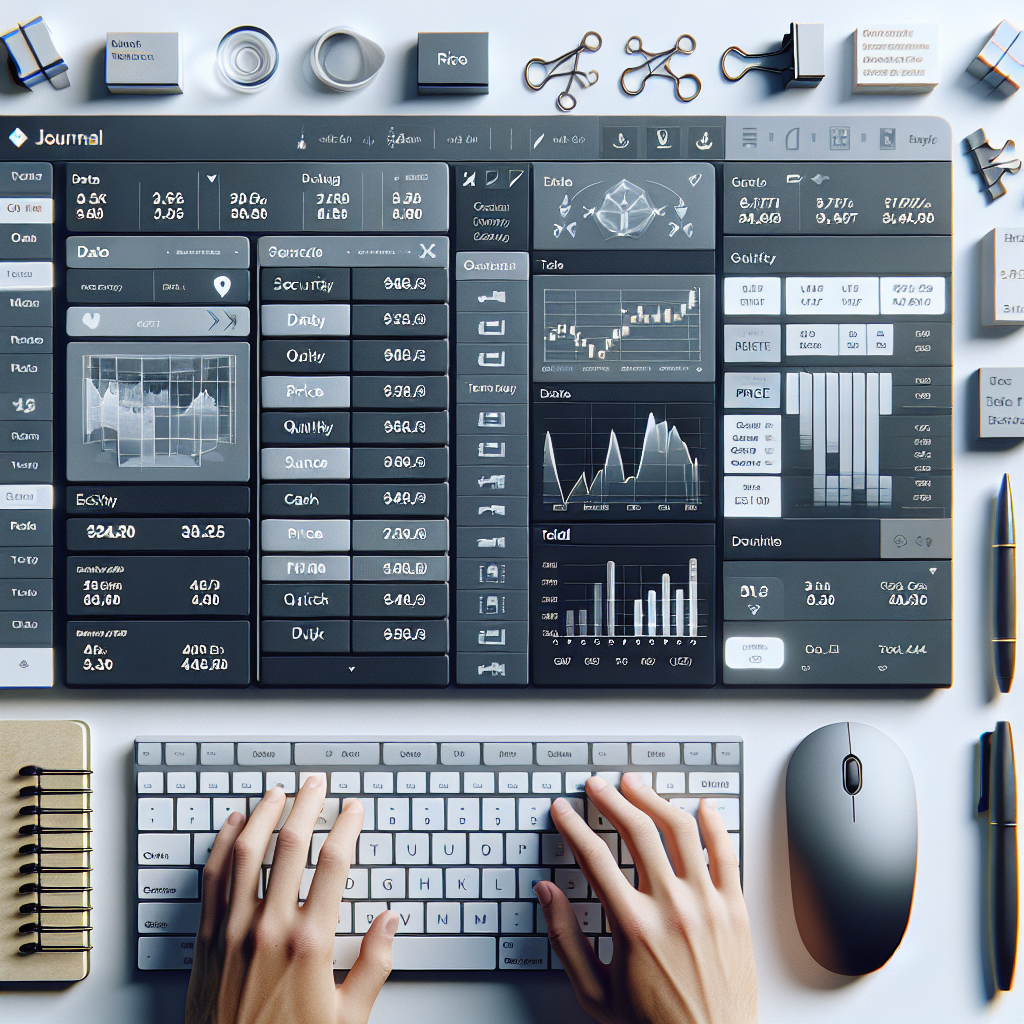
Creating a trading journal in Notion is straightforward but requires some thoughtful design. Here’s a step-by-step guide:
Step 1: Setting Up the Page
Start by creating a new page in Notion. Title it “Trading Journal” and set up a clean layout. You can use headers, bullet points, and dividers to structure your content effectively.
Step 2: Creating a Database for Trade Entries
Utilize Notion’s database feature to create a table where you can log your trades. Here are some essential columns to include:
- Date: The date of the trade.
- Asset: The security or instrument traded.
- Entry Price: The price at which you entered the trade.
- Exit Price: The price at which you exited the trade.
- Position Size: The number of shares/contracts traded.
- Trade Direction: Long or short.
- Strategy Used: Briefly describe the strategy or analysis used.
- Outcome: Profit or loss from the trade.
- Notes: Any personal reflections or observations about the trade.
Step 3: Analyzing Your Performance
Include a section for performance analytics. You can create additional databases or charts to visualize key metrics. Consider tracking:
- Win rate (percentage of profitable trades)
- Average profit/loss per trade
- Maximum drawdown
- Return on investment (ROI)
These metrics will help you understand your trading behavior and refine your strategies over time.
Enhancing Your Journal with NoroAI.trade

To take your trading journal a step further, integrate insights from NoroAI.trade. This powerful trading assistant bot provides real-time market analysis, signals, and data-driven insights that can inform your trading decisions. Here’s how you can leverage NoroAI:
- Market Insights: Use NoroAI to stay ahead of market trends and incorporate its findings into your journal entries.
- Automated Trade Logging: Depending on your setup, you may be able to automate trade logging from NoroAI to Notion, reducing manual entry.
- Backtesting Strategies: Utilize NoroAI’s capabilities to backtest your trading strategies and document the results in your journal for future reference.
By synthesizing your journaling with NoroAI’s insights, you create a robust framework for continuous improvement in your trading strategy.
Maintaining Consistency and Discipline

The true value of a trading journal lies in consistency. To reap the benefits, commit to updating your journal regularly. Here are some tips for maintaining discipline:
- Set Reminders: Use calendar reminders or Notion’s built-in features to remind you to log your trades.
- Reflect Weekly: Schedule a weekly review of your trades and performance metrics to reinforce learning and adaptation.
- Seek Feedback: If you trade with a community or mentor, share your journal for external insights and accountability.
Conclusion
Using Notion as a trading journal offers a customizable, efficient, and insightful way to track your trading journey. By following this guide, you can create a functional and insightful tool that not only documents trades but also fosters learning and strategy refinement. Coupling this journal with the advanced capabilities of NoroAI.trade can further empower your trading decisions, helping you achieve your financial goals.
Ready to optimize your trading journey with Notion and NoroAI? Download the template and start your trading journal today!
Powered by NoroAI.trade – your ultimate trading assistant for smarter decisions.
—